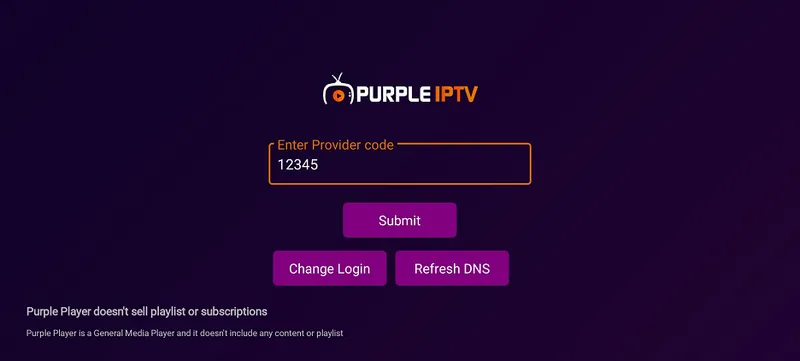
How to Activate Device – Complete Guide Purple Player 2026
Learn how to activate your device and set up IPTV on Purple Player with our Complete Guide Purple Player. Add M3U or Xtream playlists and enjoy seamless HD, Full HD, and 4K streaming for the best entertainment experience.
Check our premium IPTV subscriptions | External IPTV Support Guide
Step 1: Activate Device – Complete Guide Purple Player
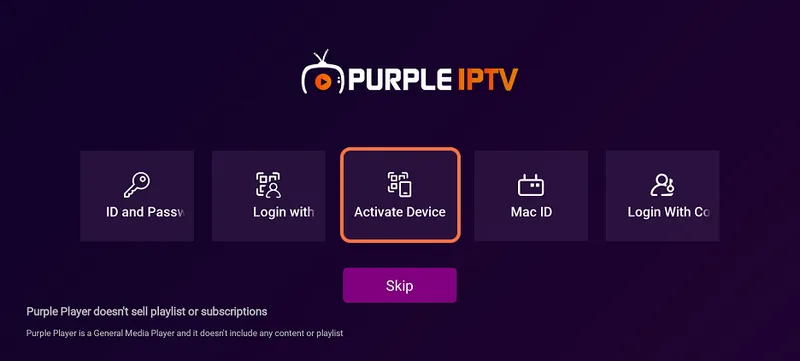
Click on "Activate Device" in Purple Player to start device activation.
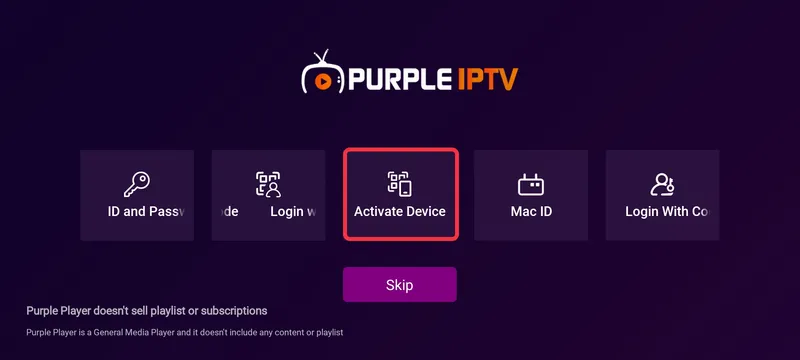
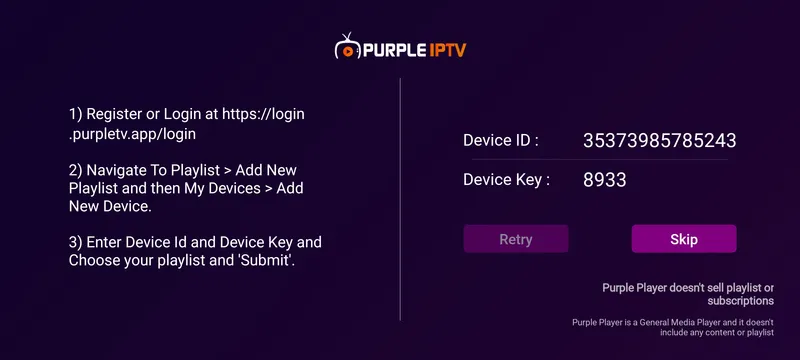
Press the "Activate Device" button as shown to generate your Device Code for IPTV streaming.
Step 2: Register or Login – Complete Guide Purple Player
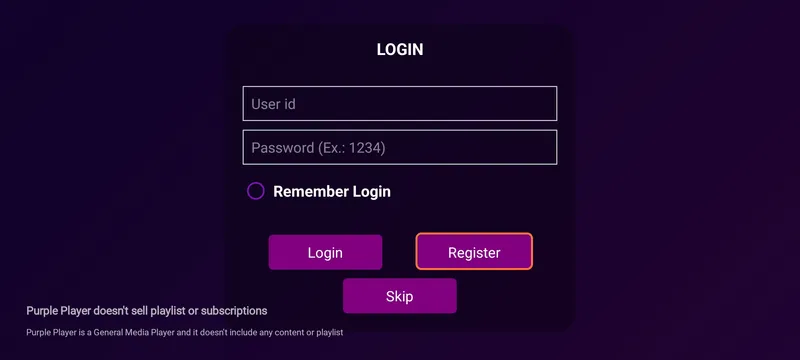
Open the Admin Panel to login or register your account. This is an essential step in the Complete Guide Purple Player.
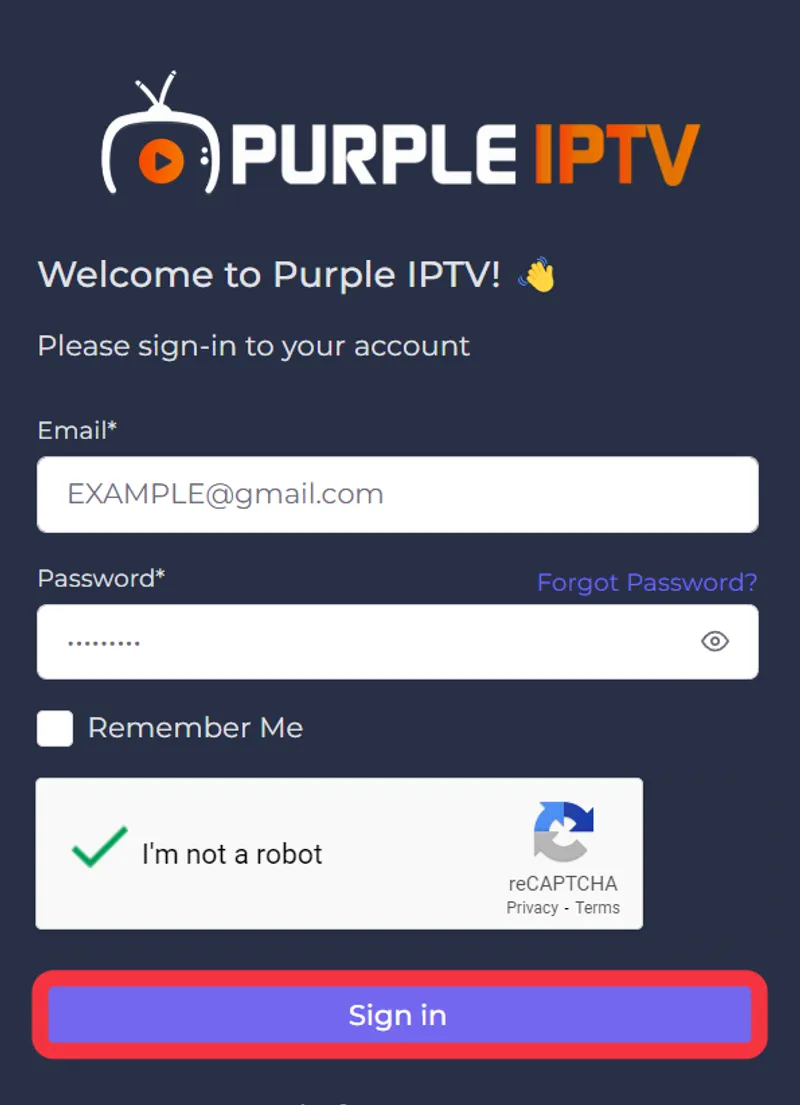
Follow our detailed registration guide to ensure proper device management.
Step 3: Dashboard – Complete Guide Purple Player
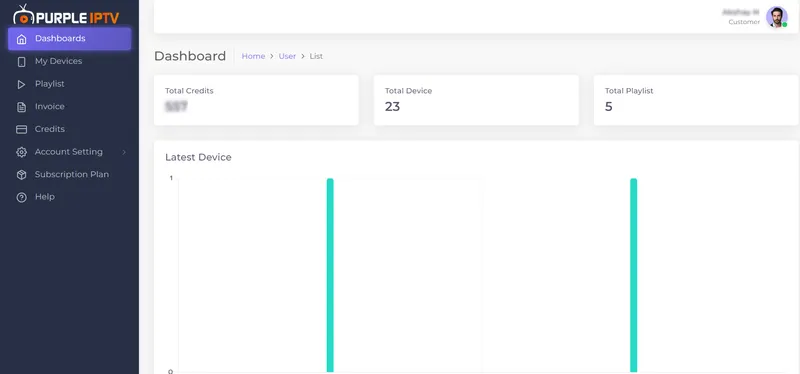
After login, the Purple Admin Panel Dashboard appears, showing all your devices and playlists.
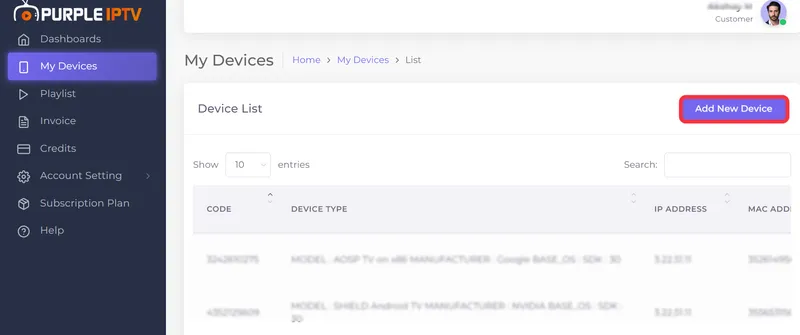
Step 4: Add New Device
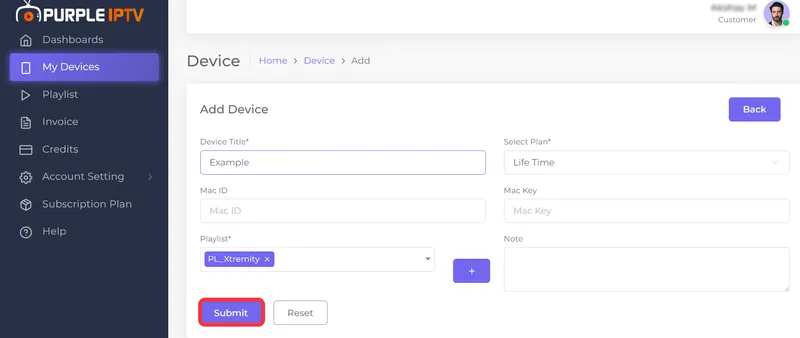
Navigate to My Device and click "Add New Device" to register your IPTV device.
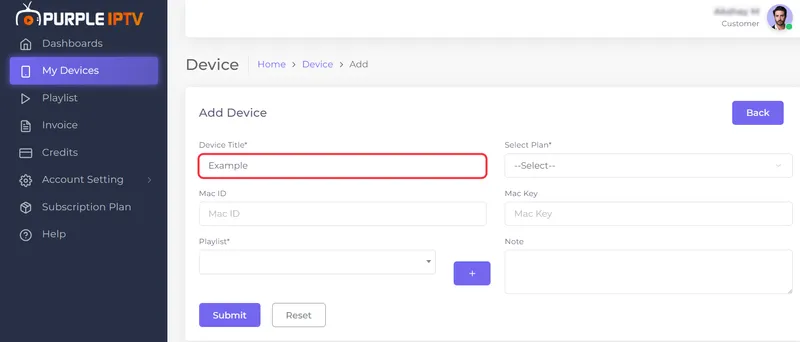
Step 5: Device Title
Enter the desired title for your device in the input field.
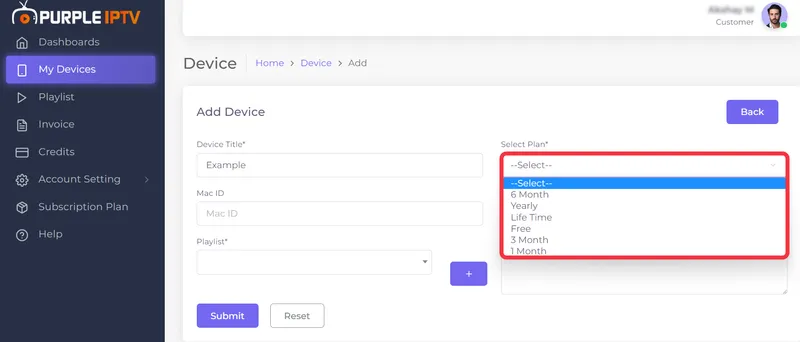
Step 6: Select Plan
Select your IPTV subscription plan from the drop-down menu for your device.
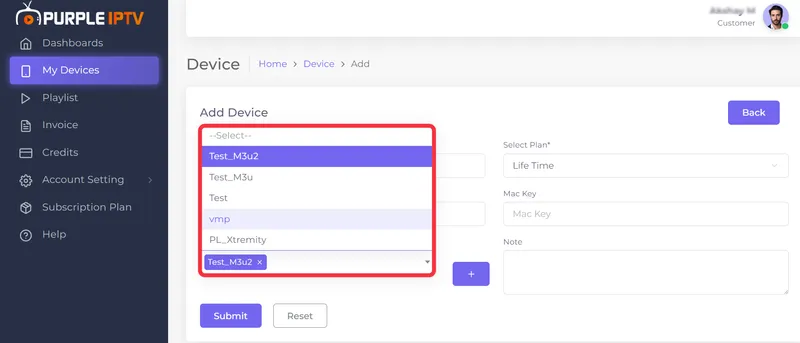
Step 7: Select Playlist
Choose your M3U or Xtream playlist from the provided list for full access to IPTV channels.
Step 8: Submit
Click "Submit" to generate the Device Code, completing the activation step in our Complete Guide Purple Player.
Step 9: Device Code
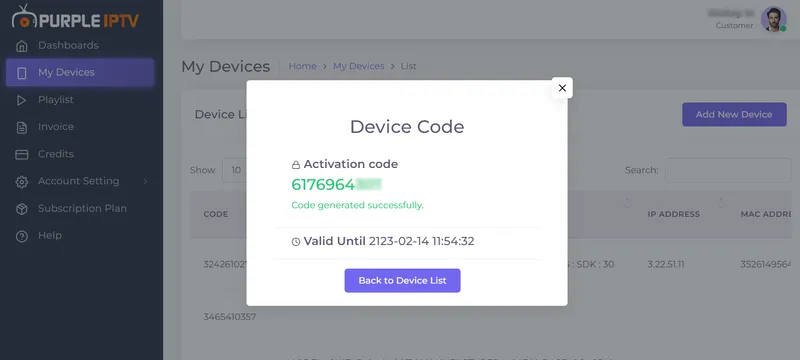
Copy the generated Device Code for activating your Purple Player device.
Step 10: Activate
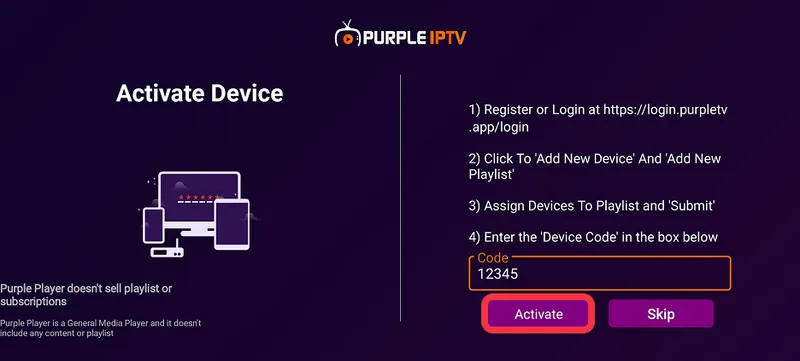
Enter the Device Code in Purple Player and click "Activate" to start streaming IPTV.
Home Screen
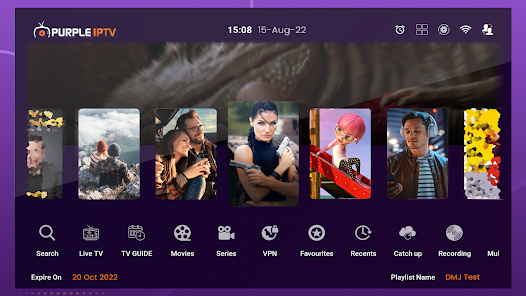
After activation, you will see the Smart Purple Player home screen with live IPTV channels.
How to Register as a New User
Follow these steps after installing Purple Player:
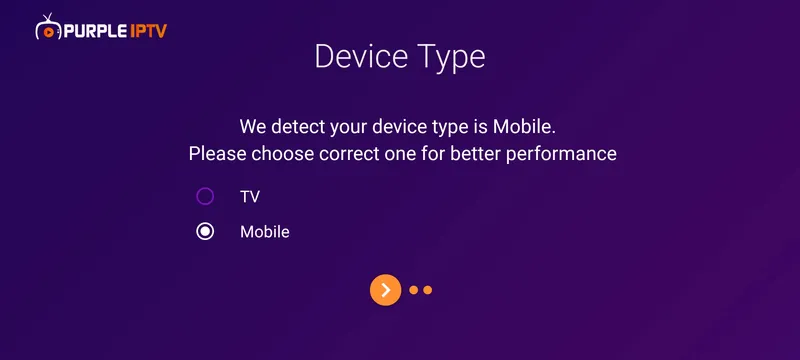
- Step 1: Choose your device option

- Step 2: Select your preferred language
- Step 3: Explore the app
- Step 4: Click on 'Login'



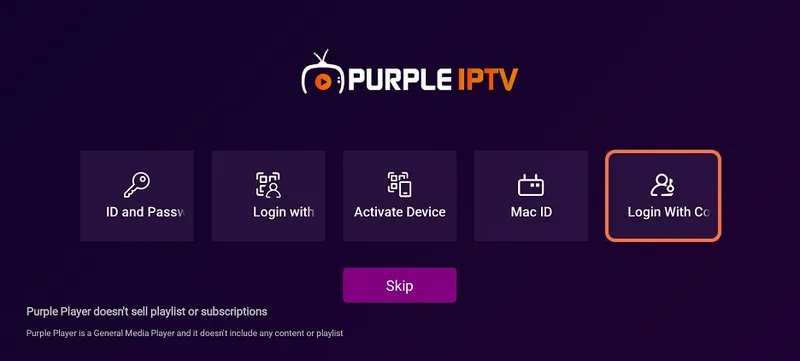
Additional login methods with images for step-by-step registration are included below.
- Login with ID and Password
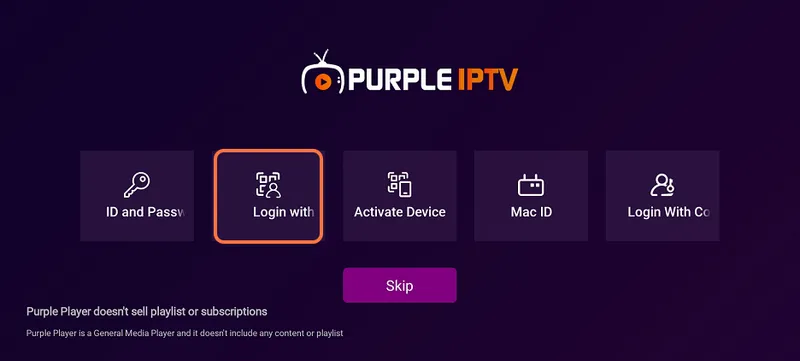
- Login with QR code
- Activate Device method
- Login with Mac ID
- Login with Code